💵
Always know what’s left
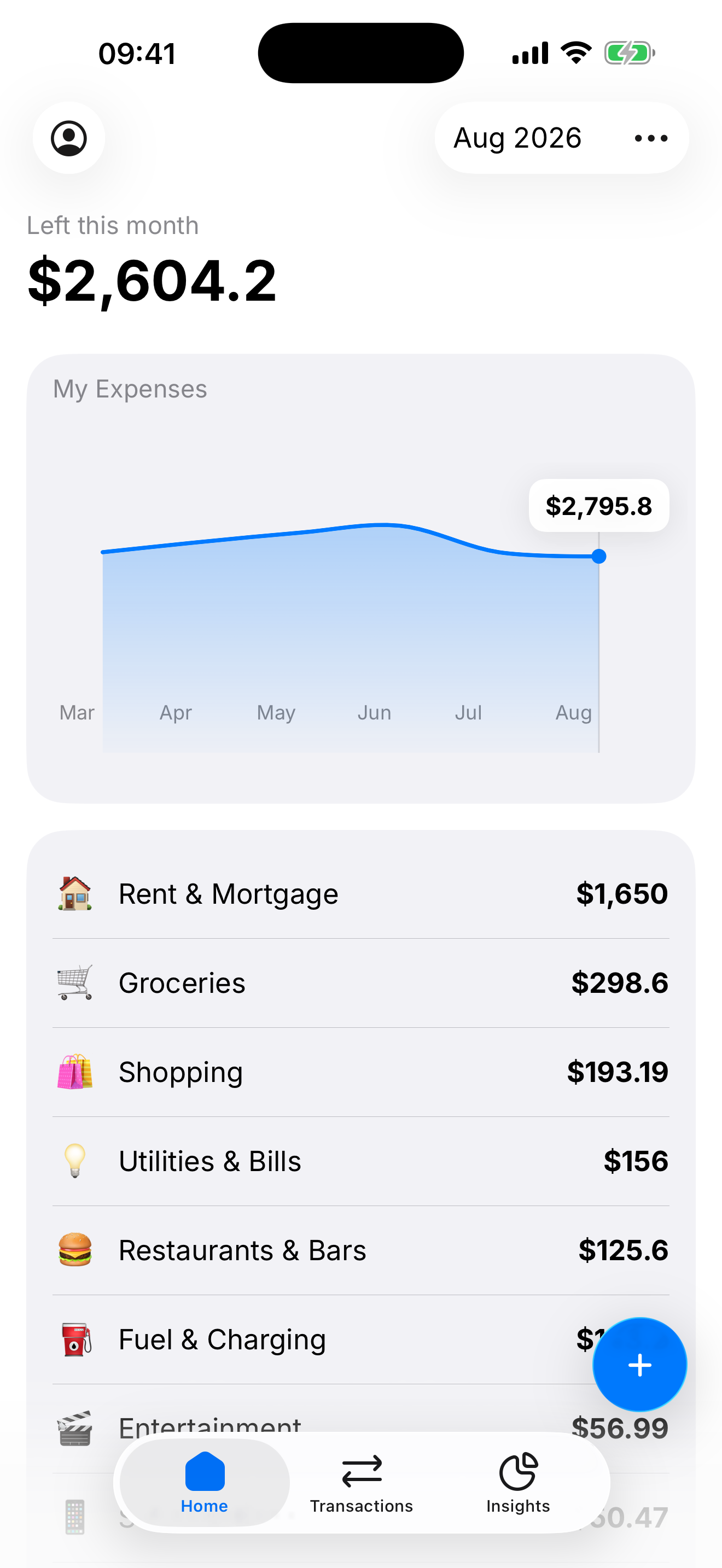
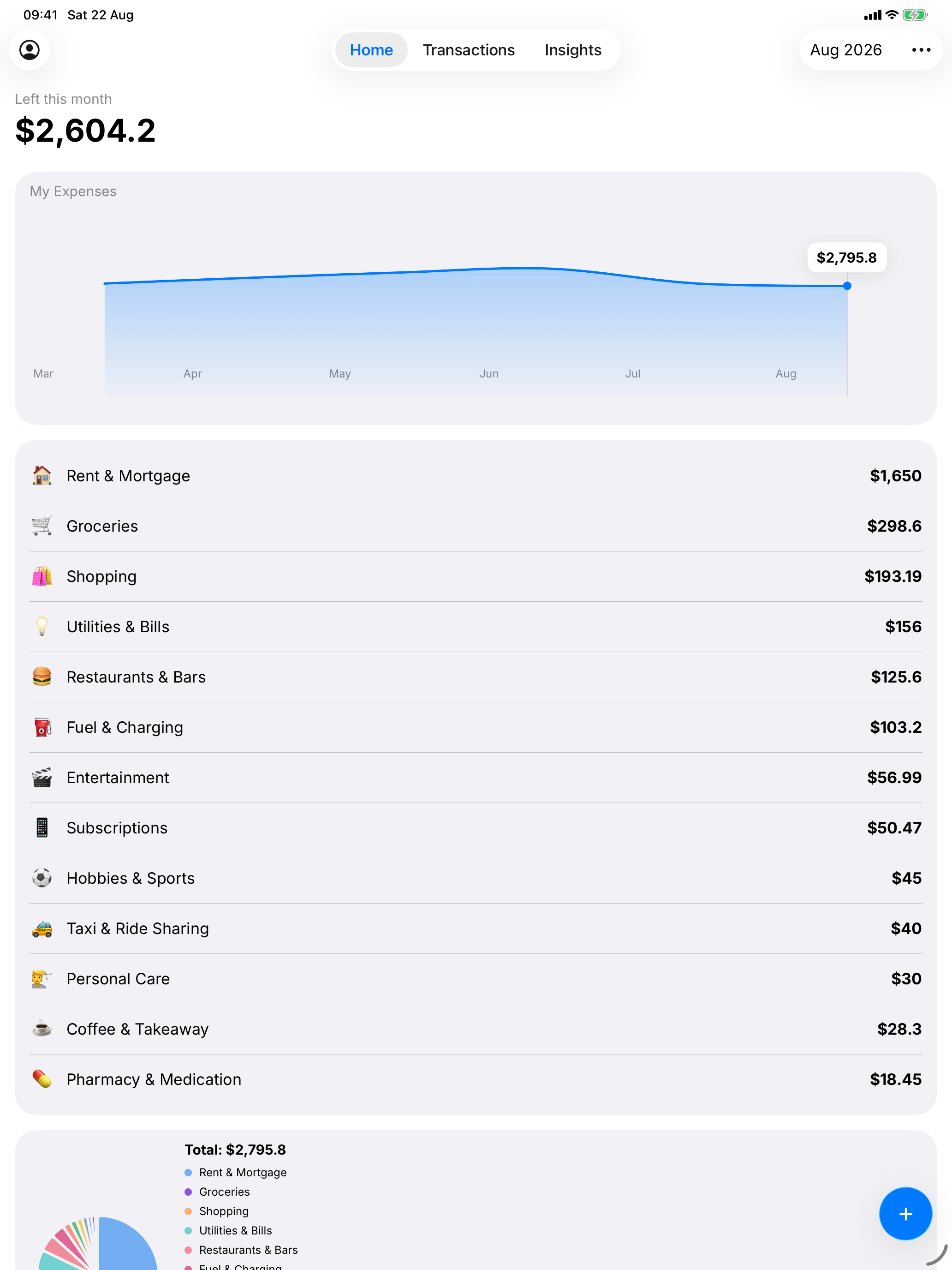
Income, bills and spending — totalled in real time, so leftover this month is actually leftover.
 GoodMoney
Know what you have. See where it goes. Save for what actually matters.
Set up in 60 seconds. iPhone and iPad. No account required.
Income, bills and spending — totalled in real time, so leftover this month is actually leftover.
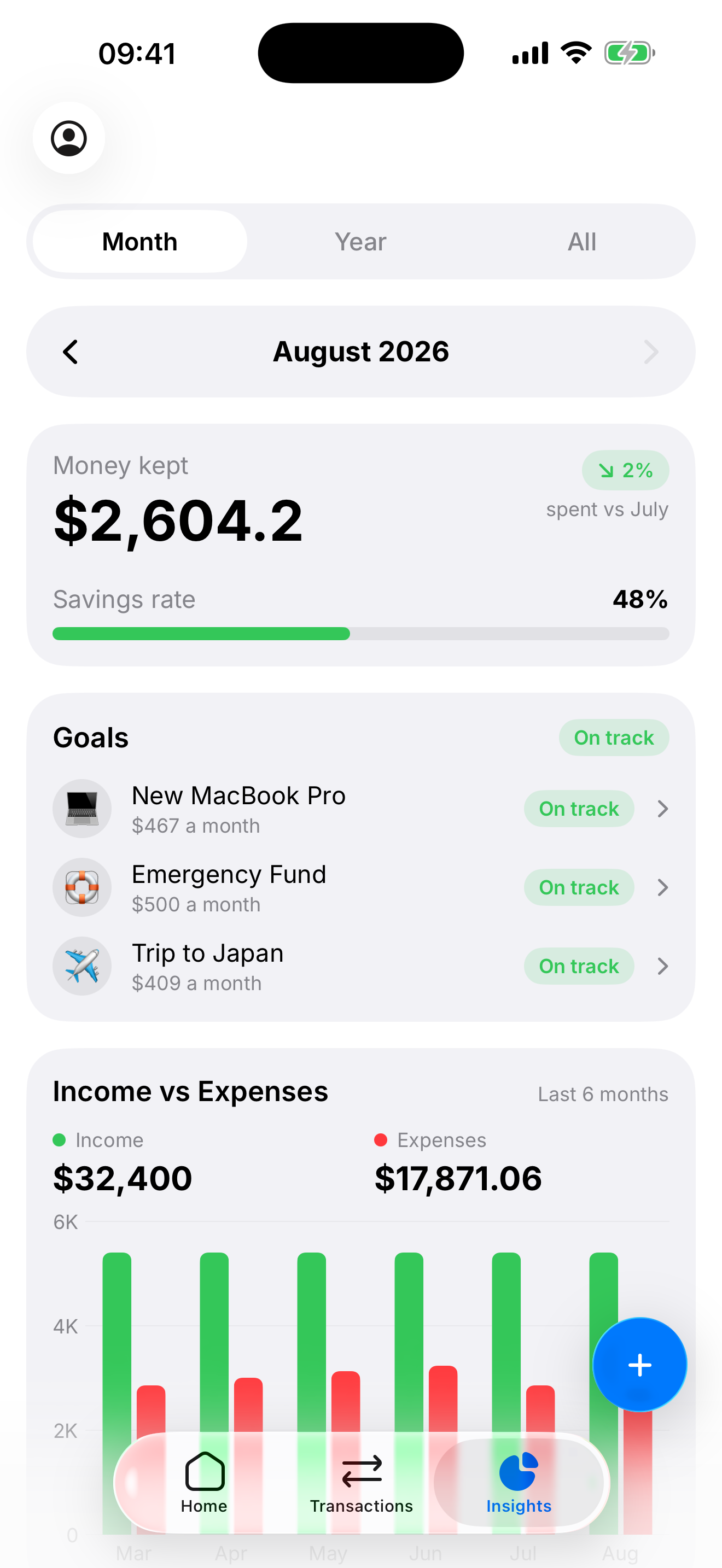
Every category, at a glance, with no manual work. Charts that match how you actually spend.
Set a goal, pick a date, and watch your progress. GoodMoney keeps the monthly amount honest.
Home
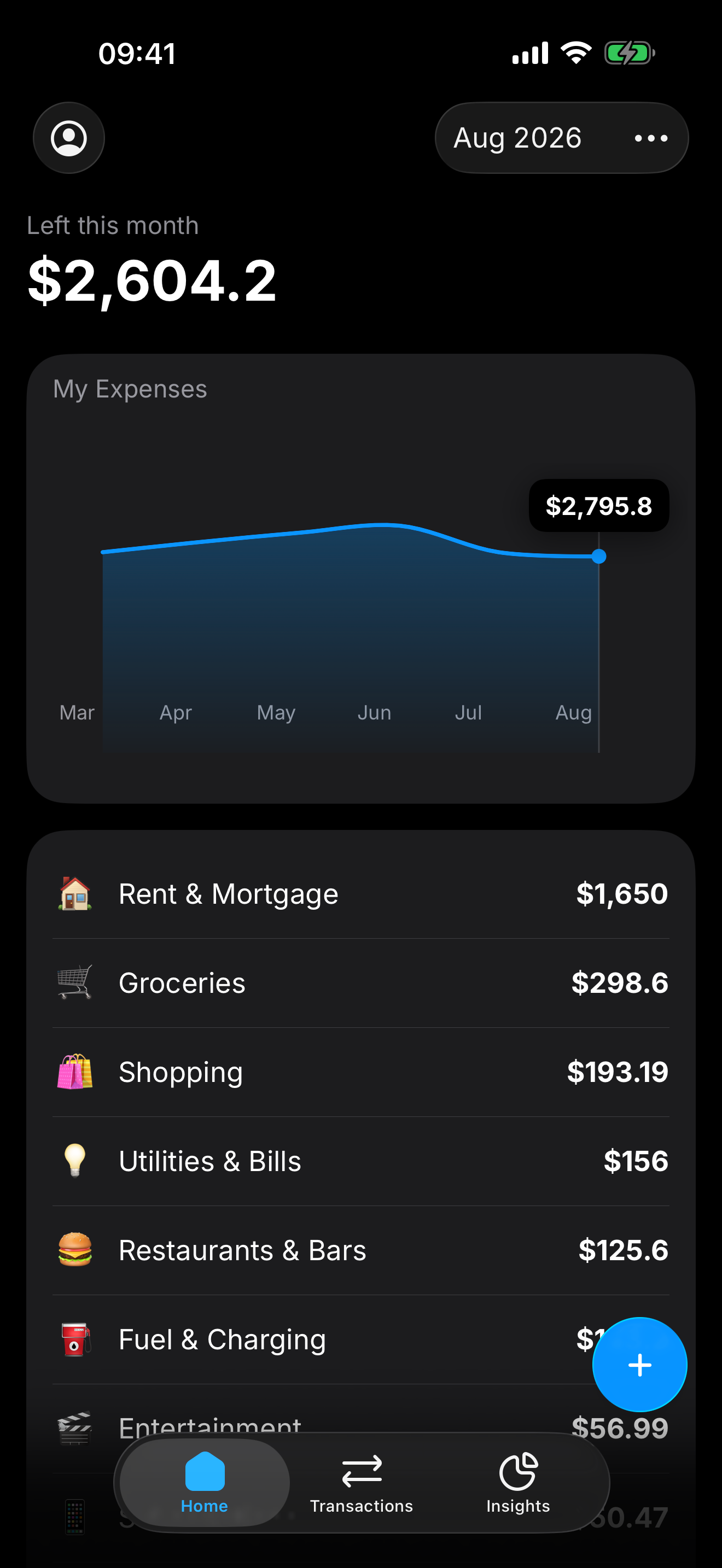
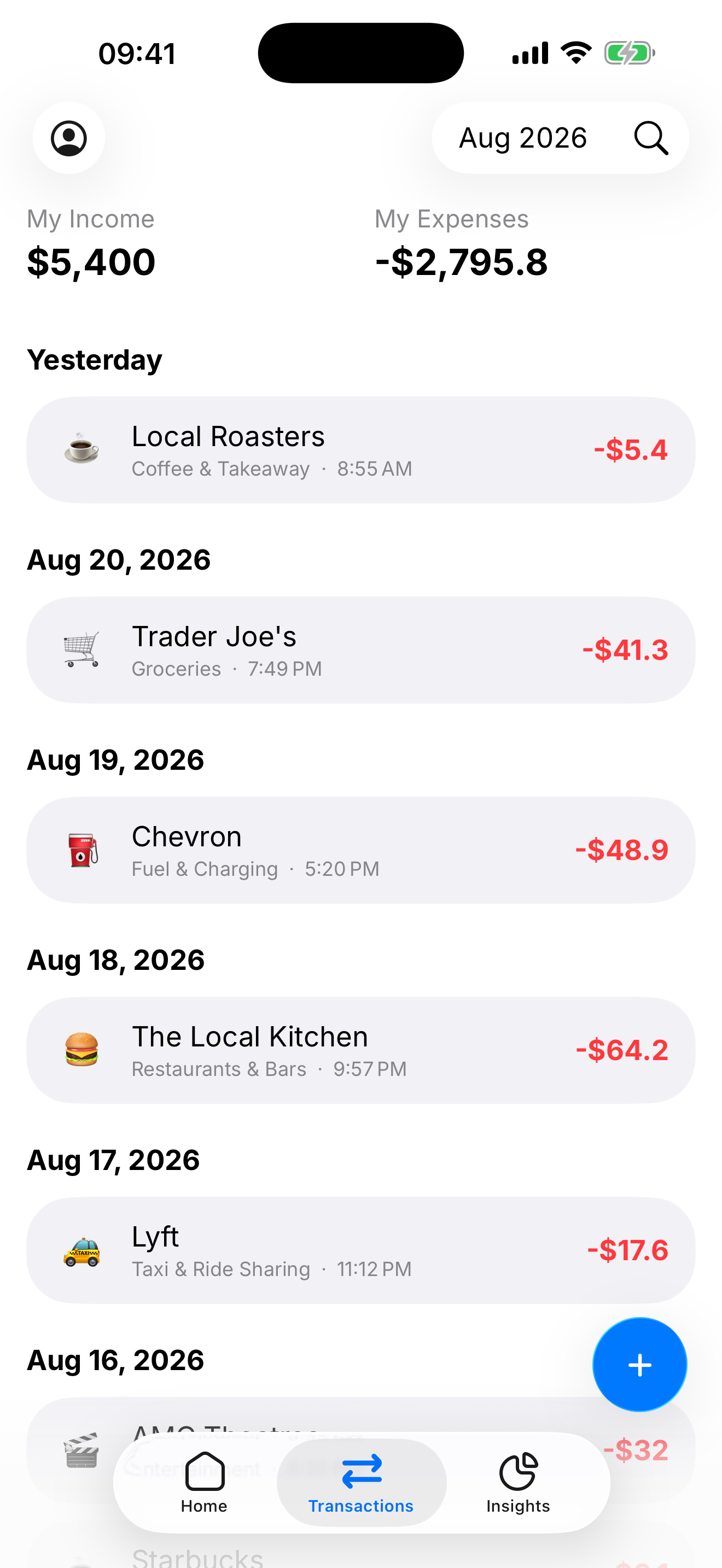
GoodMoney starts from what came in, subtracts what went out, and shows the number that actually matters — how much you still have to spend.
Log
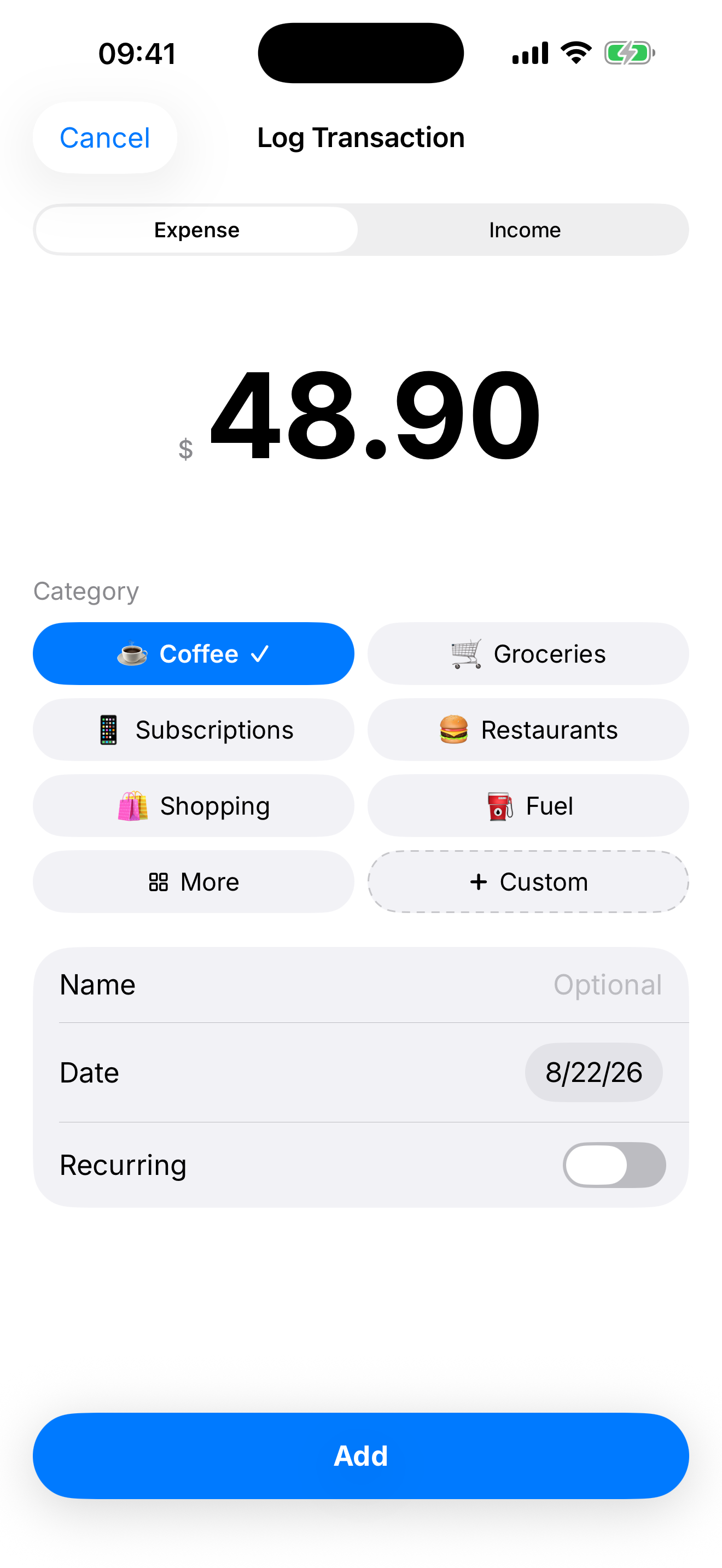
Amount, category, done. Mark it recurring once and GoodMoney keeps it in the month for you. Custom categories when the defaults aren’t yours.
Insights
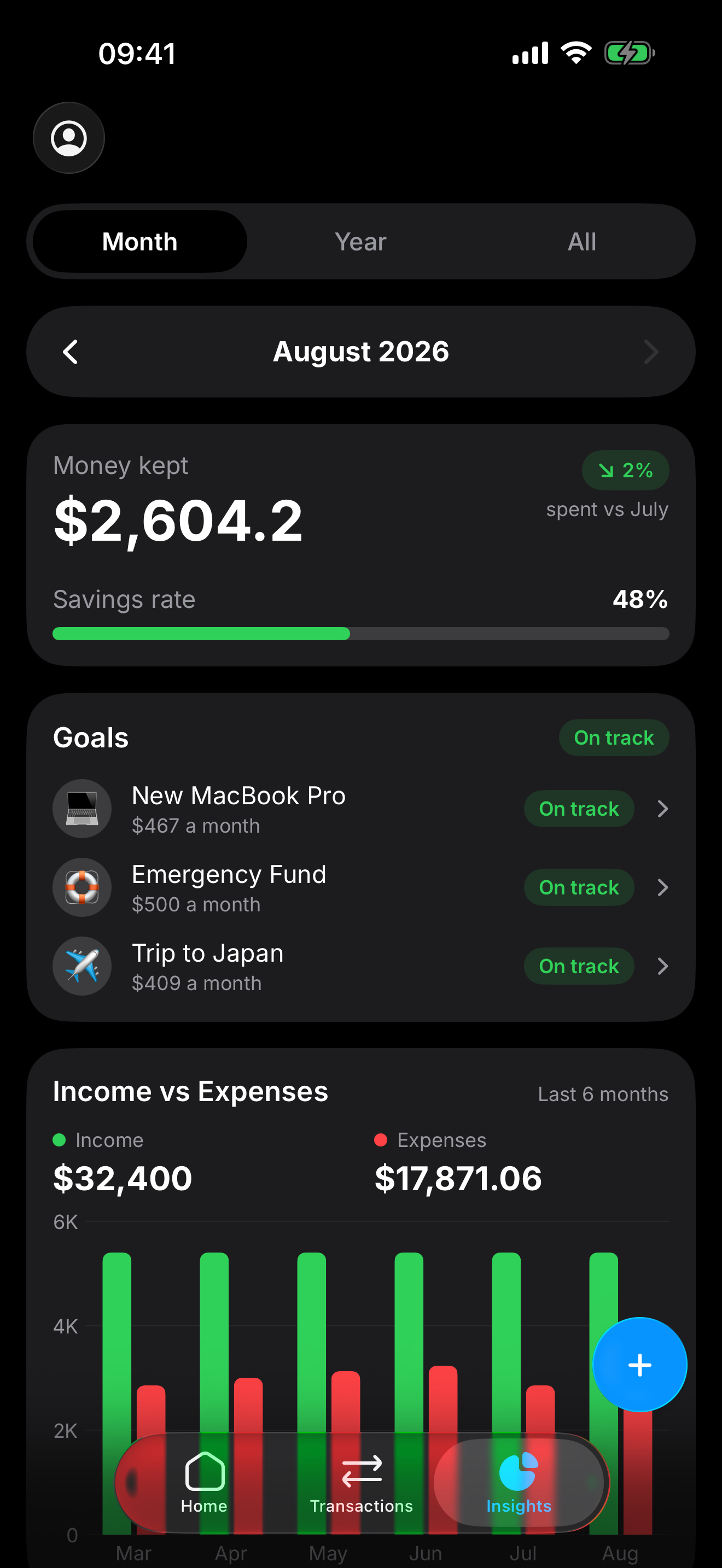
A savings rate. Income versus expenses. Goals that are on track or not. The picture of a month, a year, or everything you’ve logged.
Goals
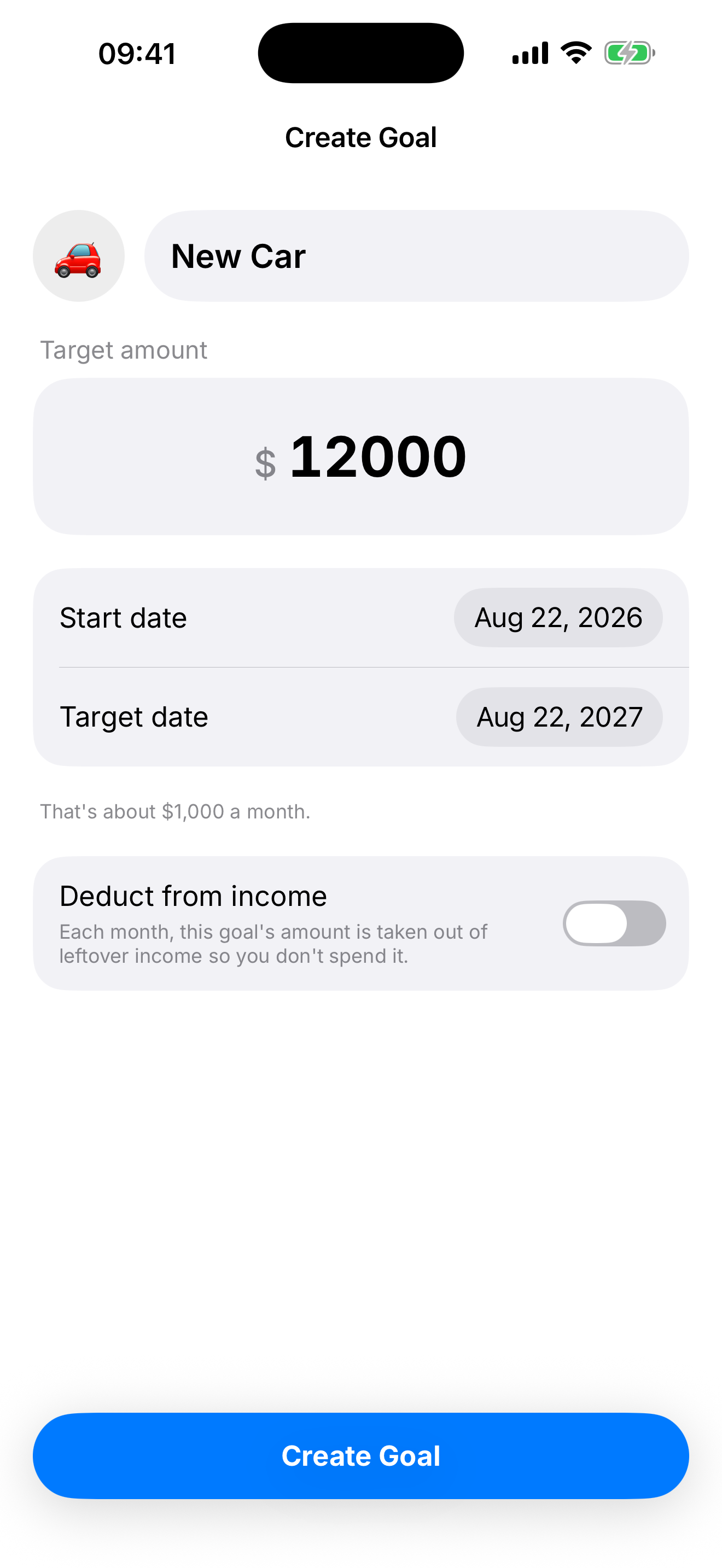
Name it, pick a date, set the target. GoodMoney works out the monthly amount — and can take it out of leftover income so it isn’t sitting there to spend.
On this device
No account. No cloud. Figures are encrypted in the iOS Keychain instead of sitting in a readable file. Delete the app and they’re gone — until you put them back.
Read the Privacy Policy →
Get started
Income, housing, bills, debts, a goal if you want one. Skip anything. You can always run setup again.
Weekly, monthly, or yearly — GoodMoney turns it into a month.
Rent or mortgage, the subscriptions that repeat, the payments that have to happen.
Optional. A date and a number is enough to start saving on purpose.
Log as you go. Home, Transactions, and Insights stay in sync.
iPhone and iPad
Charts, categories, and the month you’re in — laid out for iPad without turning into a spreadsheet.
Free on the App Store. Encrypted on this device. Ready in about a minute.